Explore
We start by understanding your teaching goals, learners, course context, and any challenges you face.
Support for learning design, course media creation, and emerging technology.
What is the IDEA Studio?
The IDEA Studio (Innovation, Discovery, Educational Advancement) empowers faculty and subject matter experts to explore new ways of teaching through technology, digital media, and thoughtful learning design.
Supported by Learning Experience Designers (LXDs), the studio provides guidance, collaboration, and creative tools to help translate ideas into engaging, accessible learning experiences.
Working with Learning Experience Designers
We start by understanding your teaching goals, learners, course context, and any challenges you face.
Together, we plan an engaging learning experience and choose the right mix of media, tools, and interactivity.
We help build and refine course materials, from videos and interactive activities to immersive learning experiences.
You review and test the materials, and we make refinements to support clarity, accessibility, and usability.
Final materials are delivered and integrated into your course so you’re ready to teach with confidence.
After students engage with the experience, we reflect, gather feedback, and support future improvements.
Explore instructional tools and ideas
In the IDEA Studio, Learning Experience Designers (LXDs) will guide your exploration of creative and instructional technologies that support engagement, clarity, and experimentation.

Engaging learning activities using tools like H5P and Articulate.
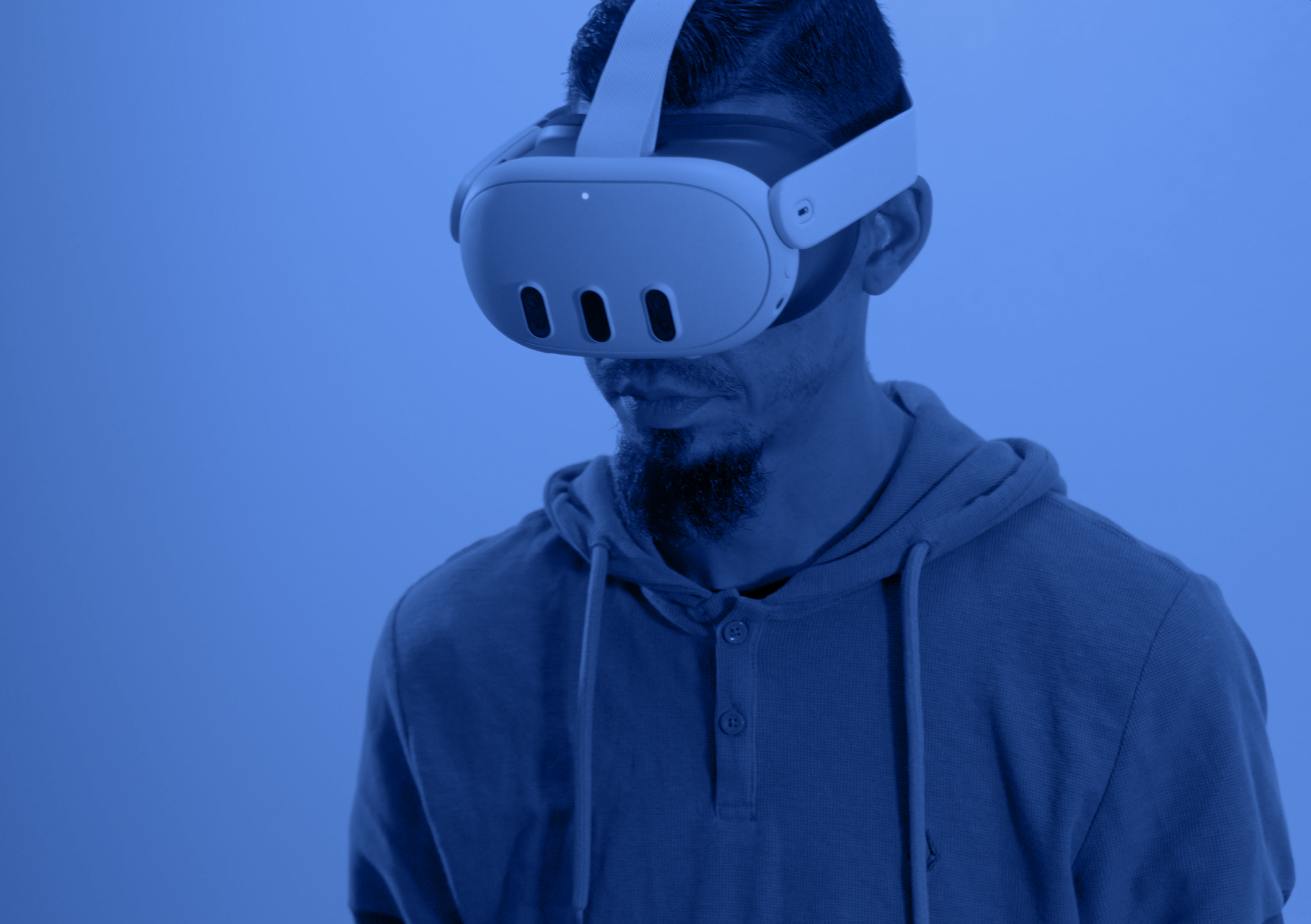
Virtual, 360-degree, and simulation-based learning experiences.
AI-supported drafting, ideation, accessibility, and instructional workflows.
Build high-quality course media with Learning Experience Designer (LXD) support
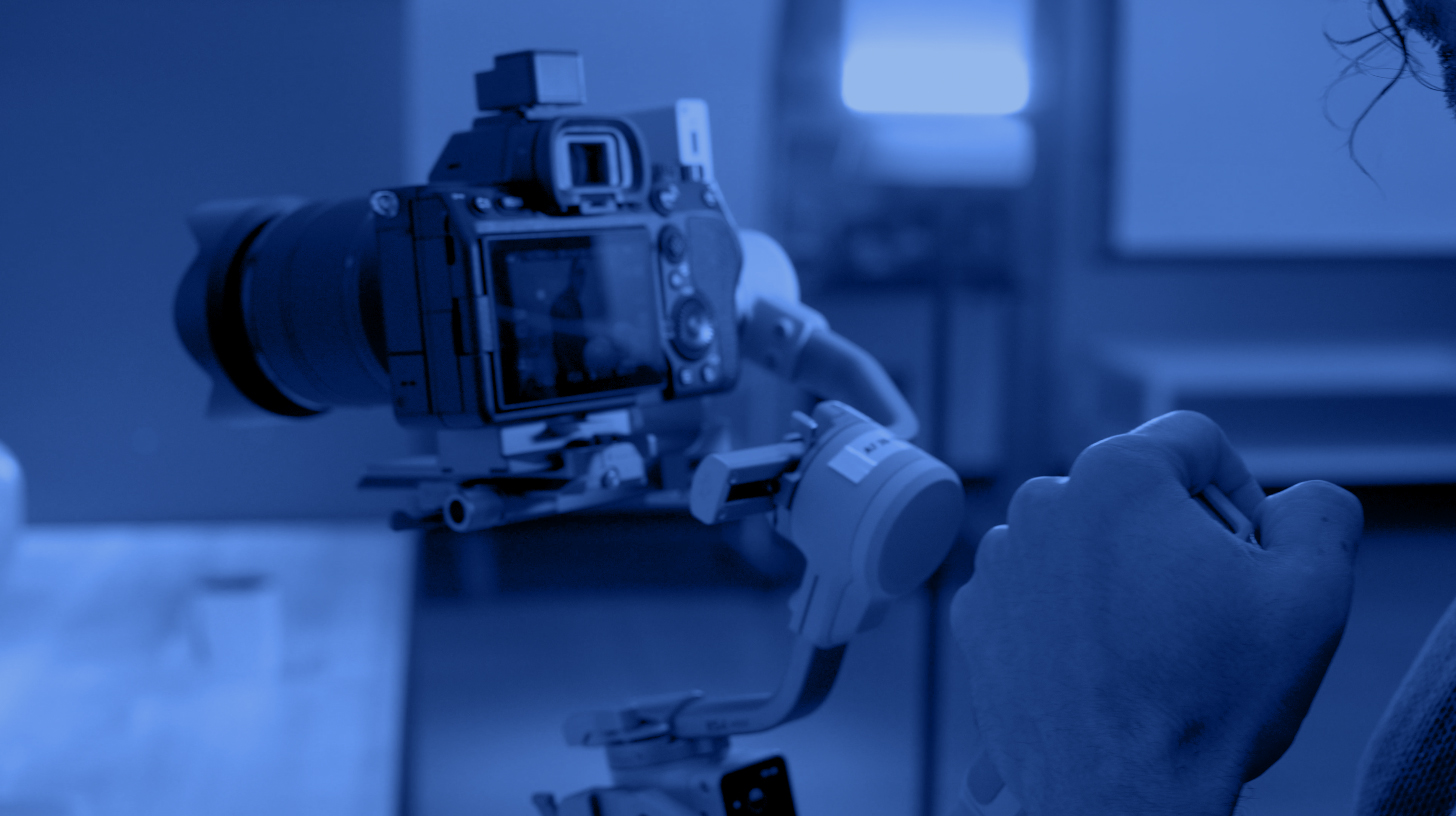
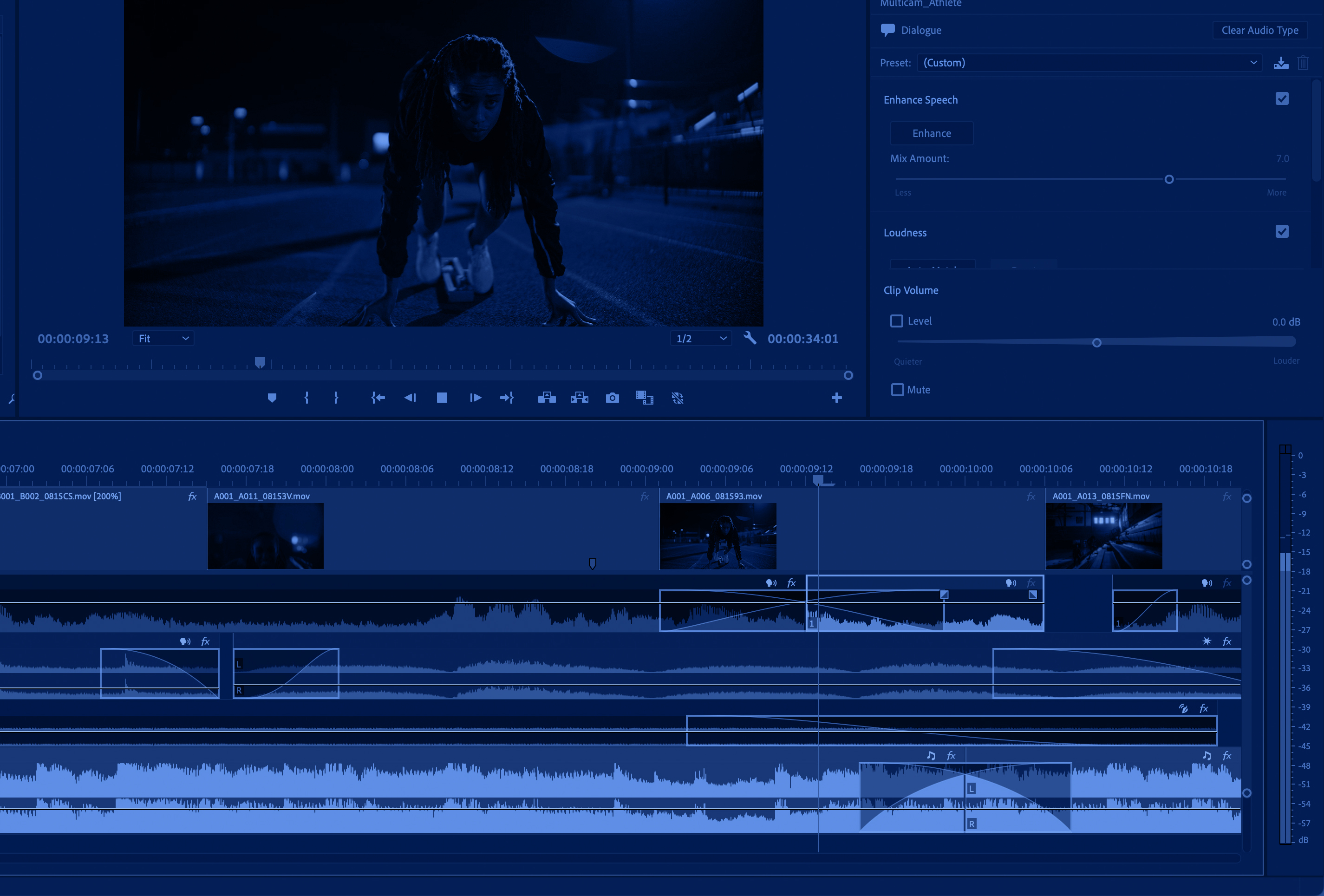



Explore the IDEA Studio through an interactive 360 degree virtual tour.
If on a mobile device, the tour is best viewed in landscape mode.
Join interactive workshops and training sessions focused on media creation, emerging instructional tools, and innovative teaching practices. Sessions, led by Learning Experience Designers, range from guided introductions to practical, skill-building experiences.
See Workshop Schedule
Managed by the Simulation Center for Advanced Training and Education (SIM CATe), the lab offers hands-on access to VR/AR/MR tools for faculty across all disciplines. First-time users should start with a guided XR Lab Orientation Request; once oriented, you can schedule hands-on time with the XR Lab Xploration Session Request to explore specific tools and applications for your course.
Location: MS108 (next to the IDEA Studio, MS109) on CNM Main Campus